
How to Use Livescribe: Note Taking Magic (for CPAs)

Livescribe: Note taking magic. Here’s an overview of how auditors are making their lives easier using the Livescribe pen.
Have you ever interviewed a client, feverishly taking notes, and straight away forgot critical facts? You wish you had a recording of the conversation. Better yet, you wish you could touch a particular word in your notes and hear the words that were being spoken at that moment. What if I told you, “you can”?
How? Livescribe.
Think about what you could record with such a tool:
- CPE class lectures
- Walkthroughs of transaction cycles
- Board or committee or partnership meetings
- Fraud interviews
Livescribe: Note Taking Magic
What is Livescribe? It’s an electronic pen/recorder. As you write on special coded paper, you simultaneously record the conversation (the recorder is built into the pen). Once done, you touch a particular letter in a word (with the tip of your pen) and you hear–from the pen–the words spoken at that moment. No more forgetting and not being able to retrieve what was said. And it’s efficient since you can go to any particular part of the conversation using your notes as signposts.
To start a recording, you press the tip of the pen to the “record” icon at the bottom of the page.
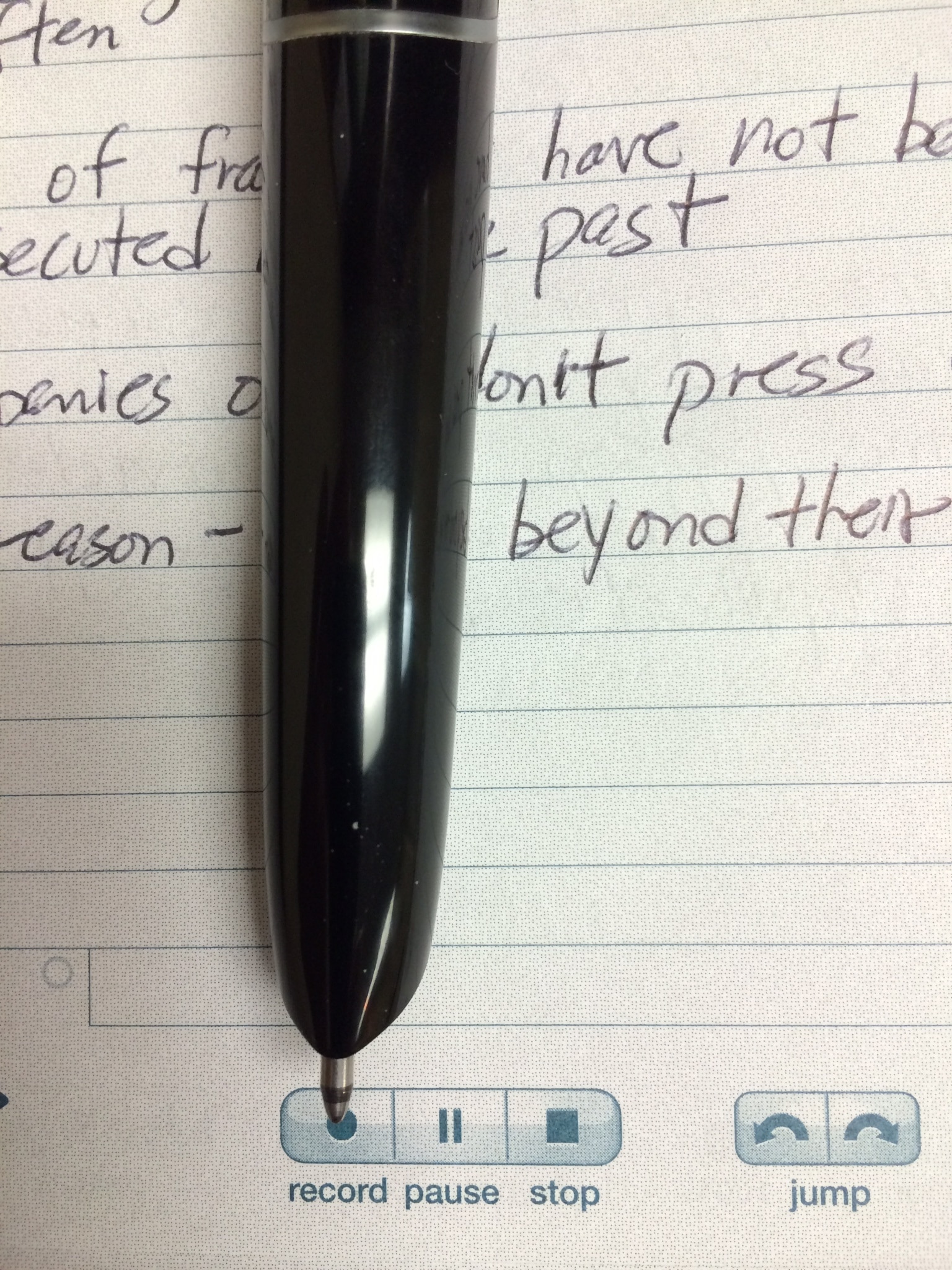
To stop the recording you press the “stop” icon above.
Once the recording is complete, you simply touch the tip of the pen to any letter and the audio recording will start playing–from the pen–at that point.
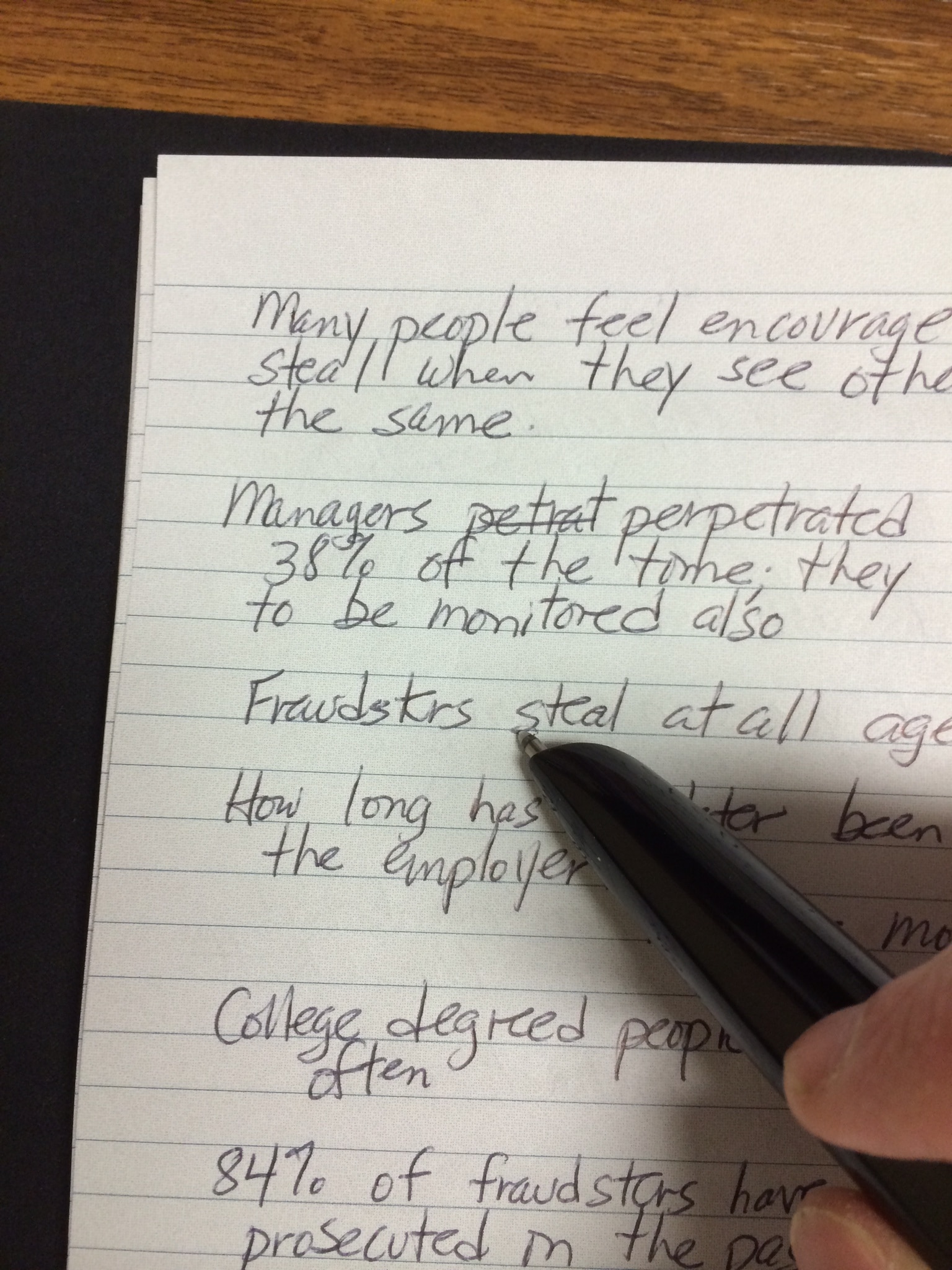
You can upload the pen notes and the audio to your computer desktop Livescribe software using a USB cord that connects to the pen. (See below.)
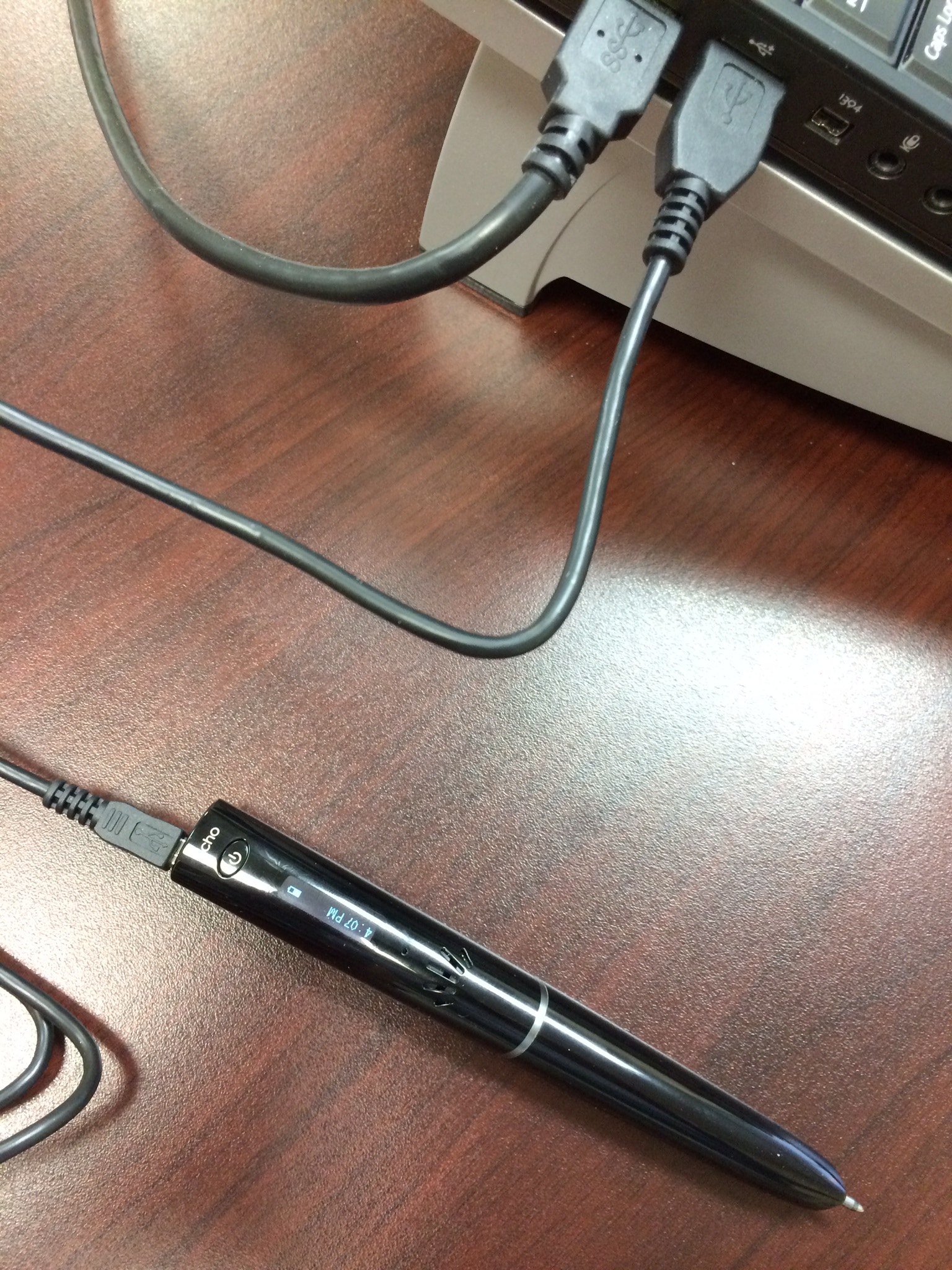
You can also play back notes from your uploaded desktop copy just as you can with your pen. Click a letter with your mouse and the recording will play.
I was surprised by the clarity of the sound from the pen and the audio capacity–200 hours (for the Echo version that you see below).
There are different versions of the pen. I bought the Echo version due to the lower price. You can review the available pens on Amazon. I also bought additional Livescribe notebooks (they come in packs of four) and a portfolio (binder) to hold the notebook and pen.
My Experience with Livescribe
I have used a Livescribe pen for four years. After using to it to record hundreds of hours of audio, I consider my Livescribe pen to be one of my best audit tools. I recommend it.
What if you don’t desire to shell out the money for the pen? Consider using the Notability app.
Another Option
If you have an iPad, you can buy the Notability app and record conversations with your notes (with play-back similar to Livescribe). You will need a stylus (I use an Apple pen) to take notes since you write on your iPad screen.
One More Thought
If you are performing a walkthrough of a complex transaction cycle, consider using your phone to take pictures of what you are seeing (e.g., computer screens, documents). Between your notes (with audio) and your pictures, you will have a good understanding of what you have seen and heard.
You might also be interested in my article Four Keys to Better Client Interviews.
Related


Mark, I have been surprised. I thought, in the beginning of using Livescribe, that many people would object, but this has never happened. I always tell people they are being recorded (and I generally tell them that only I will listen to the recording).
I agree. I would think more people would refuse permission than grant approval. I see approval as a real listing factor in using this tool.
I have used the Notability app on my iPad and like it a great deal.
I like the idea for the CPE, but I am curious have you found any electronic note taking tools that you like? I like to take my tablet, and would love to use it to hold all my notes, but I am still working kinks out of my system.
I like it. My question is if we are required by law to warn the client about recording, and this me scare the client
Ronald, if you buy the Livescribe ECHO pen (that’s the one I am presently using), then you will need writing pads: http://www.amazon.com/Livescribe-Single-Subject-Notebook-4-pack/dp/B002M3HO0M/ref=pd_sim_pc_4?ie=UTF8&refRID=173QSXK23AGJAXYBFQY1
I also bought the writing pad portfolio (a binder to put your writing pad in): http://www.amazon.com/Livescribe-AAA-00016-Smartpen-Portfolio/dp/B003TO56F8/ref=pd_sim_pc_6?ie=UTF8&refRID=173QSXK23AGJAXYBFQY1
The Livescribe 3 pen syncs with your iPad (the ECHO pen does not sync with the iPad; the ECHO syncs with your computer once you feed the recording from the pen to the computer using a USB port); all Livescribe 3 writing on a physical pad is recorded on your iPad (in an app). I have not used the Livescribe 3 pen, so I don’t know as much about it. I looked on Amazon and it looks like some writing pads come with the Livescribe 3 pen, but you may want to order 3 or 4 more. I have only used one writing pad since I bought my pen a few months ago; one pad lasts a long time.
Charles:
Is the one (livescribe 3) on amazon all you need to get started?
Gail, yes I agree–and good point.
MAKE SURE YOU OBTAIN THE CONSENT OF THE PERSON RECORDED. It is against the law in many states to record conversation without the specific consent of the person recorded
You will enjoy the product. I know I have.
Charles, again, this is “cool”. I will implement it. Thanks